 PIANOOO
Learn piano on iPad, Mac and Android
Falling notes or real sheet music – you choose. The notes wait until you hit the right key, or you play along in tempo and get faster with every pass. Connect your digital piano over Bluetooth MIDI and start with 157 classical pieces. Free and open source, based on Orfeo.
iPadOS 15 or later · macOS 12 or later · Android 7 or later · not in the app stores, installation see below
Practice that makes you better
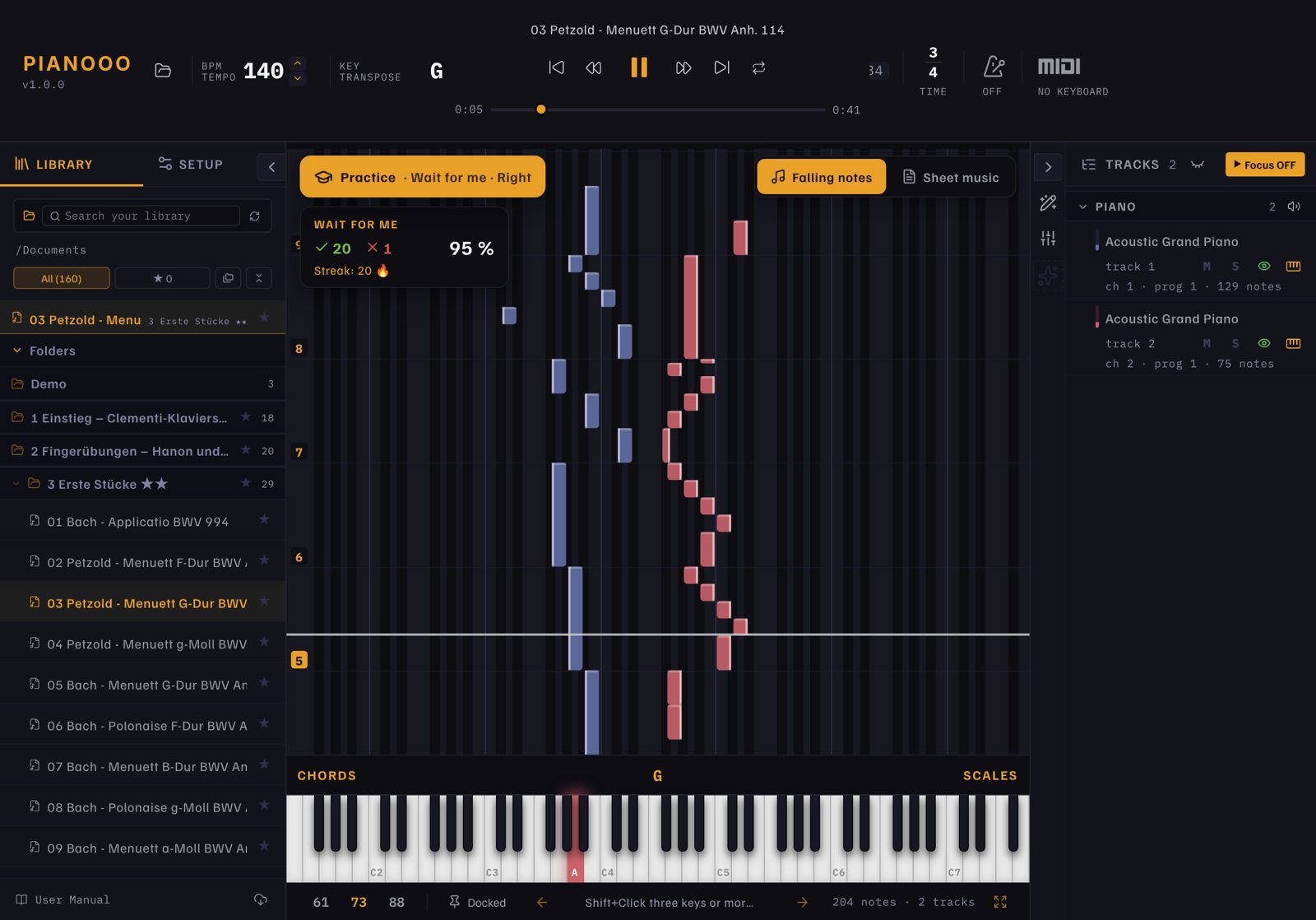
Pianooo listens to your keyboard. Choose how you want to practise, which hand you play, and let the app play the rest.
Left, right or both hands
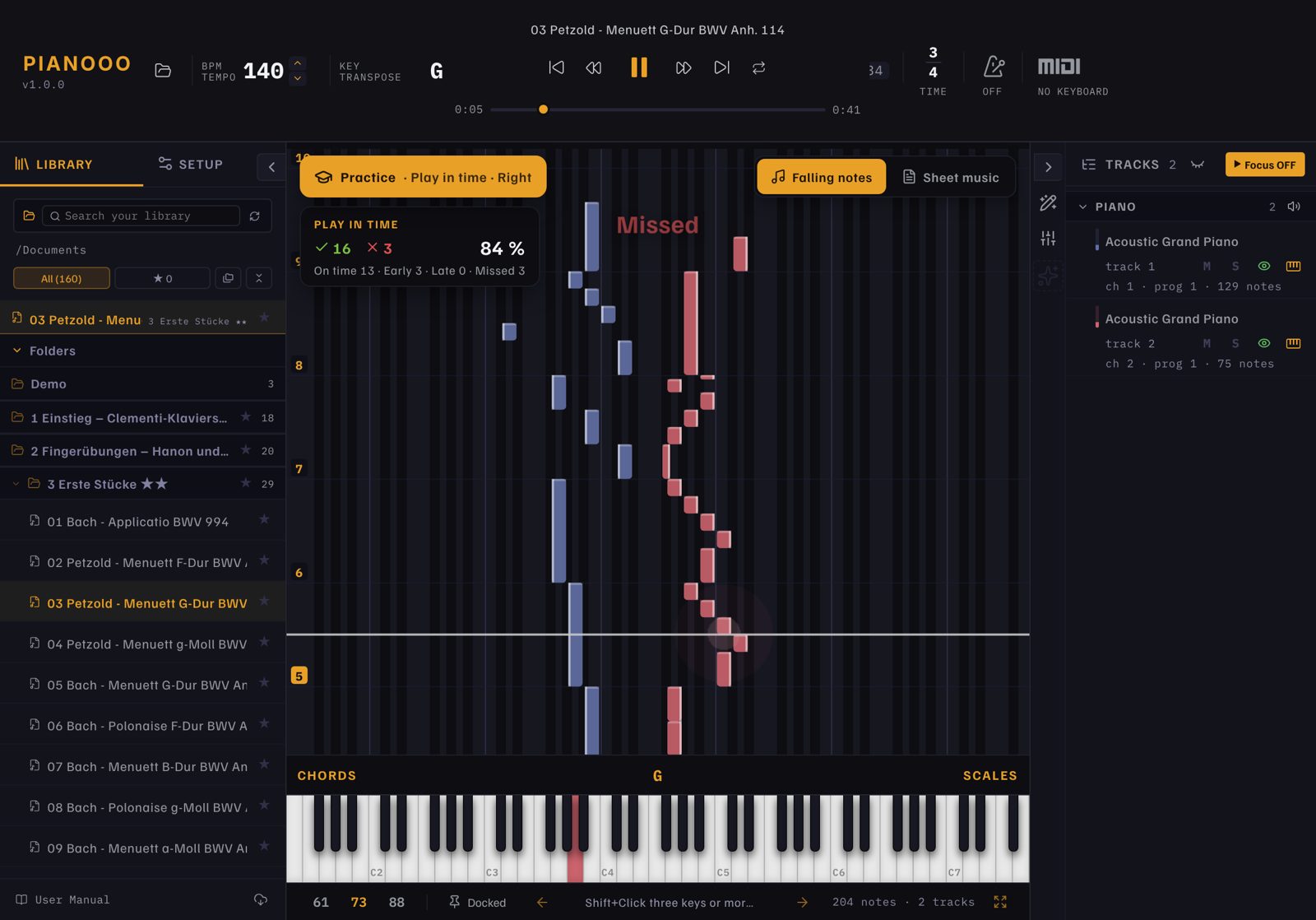
Practise one hand while the app plays the other hand and the other instruments.
Get faster step by step
Start at 50 % tempo. After every pass with at least 90 % right, the tempo goes up by 5 %, until you play at full speed.
Acoustic piano? Use the microphone
No MIDI needed: in “Wait for me” the app listens to your piano and checks the expected notes, chords too. Tune it to your piano once with an A.
Loop the hard parts
Set a loop around a difficult passage and repeat it until it sits. Each pass gets its own score.
What Pianooo does
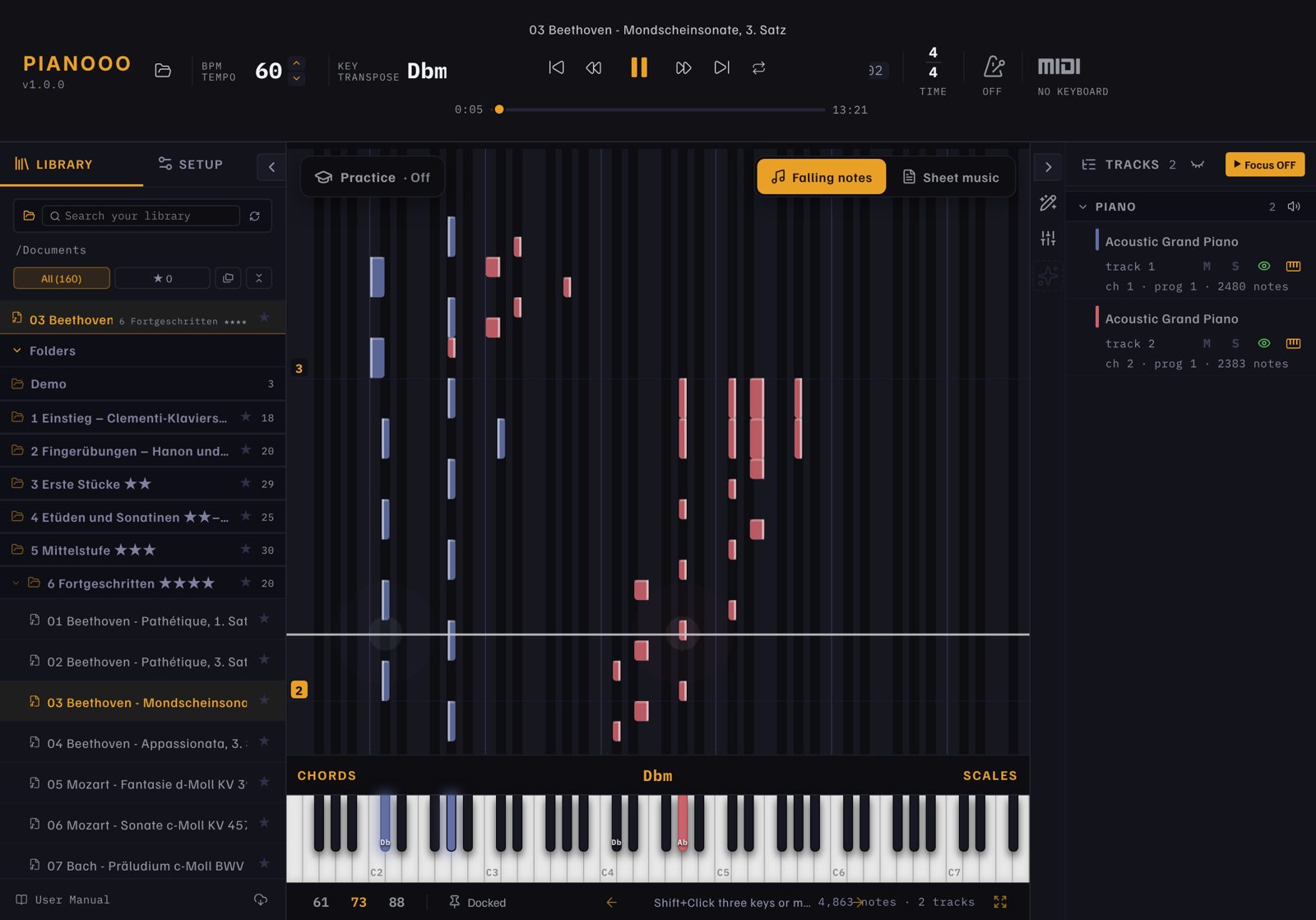
Falling notes or sheet music
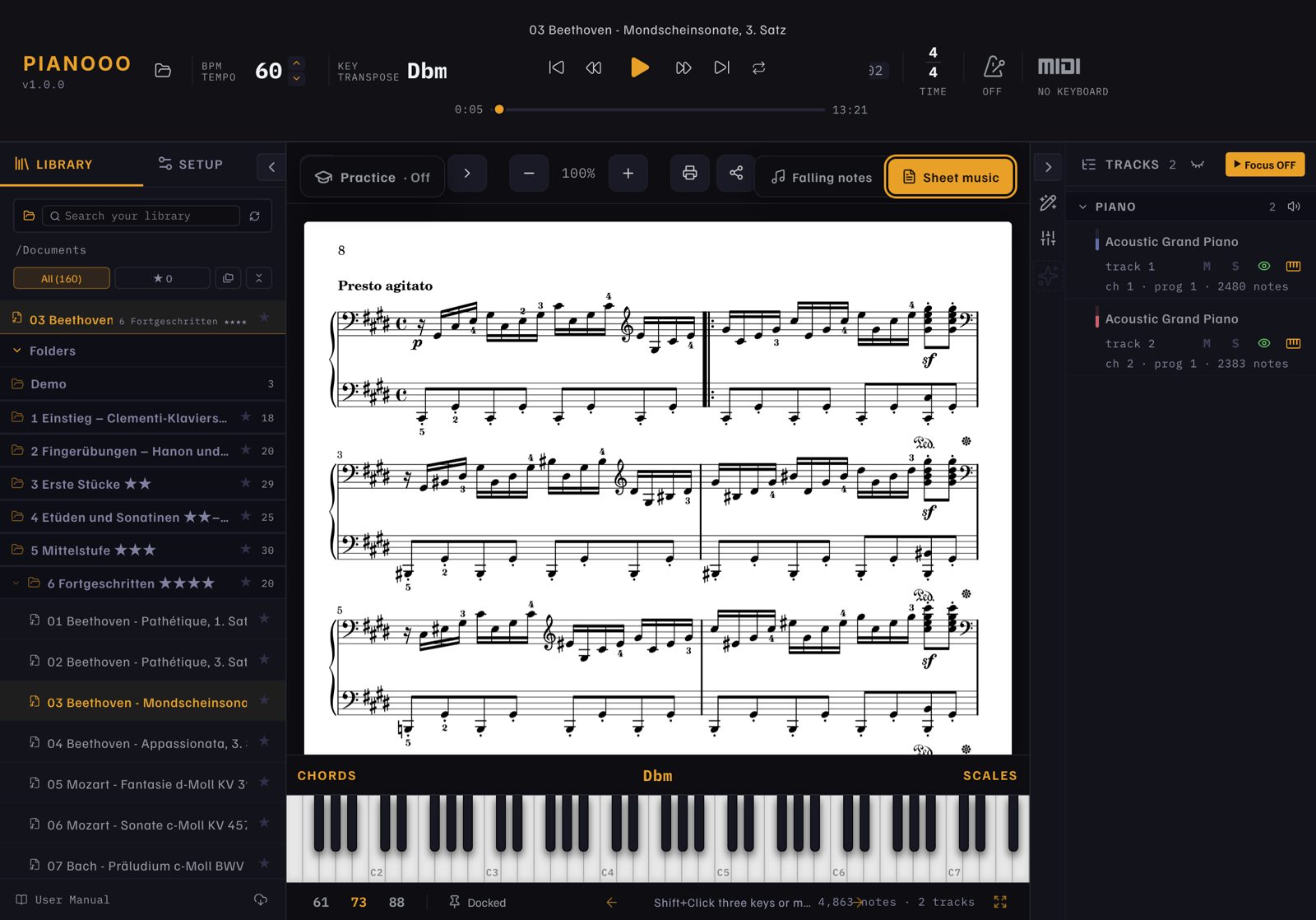
Switch with one tap. Each view fills the whole screen. Print sheet music on A4 or share it.
Bluetooth and USB MIDI
Connect a Kawai, Yamaha, Roland or any MIDI keyboard. Your keys light up on screen, with velocity and pedal.
157 pieces to start
Seven levels, from Clementi, Hanon and Czerny to Bach, Beethoven, Chopin, Debussy and Joplin. Each with MIDI and sheet music.
Your own songs
Open MIDI, MusicXML or Guitar Pro files from Safari, Files or AirDrop. Put a PDF with the same name next to it to see its score.
Left and right hand
Hands are shown in their own colors. Practice one hand while the app plays the other.
Practice tools
Tempo, transpose, loop, metronome, chord detection, mixer and a note editor.
Concert grand sounds
Optional free piano sounds to download, including a Kawai concert grand and a Yamaha grand.
Four languages
English, German, French and Spanish. The app starts in your system language.
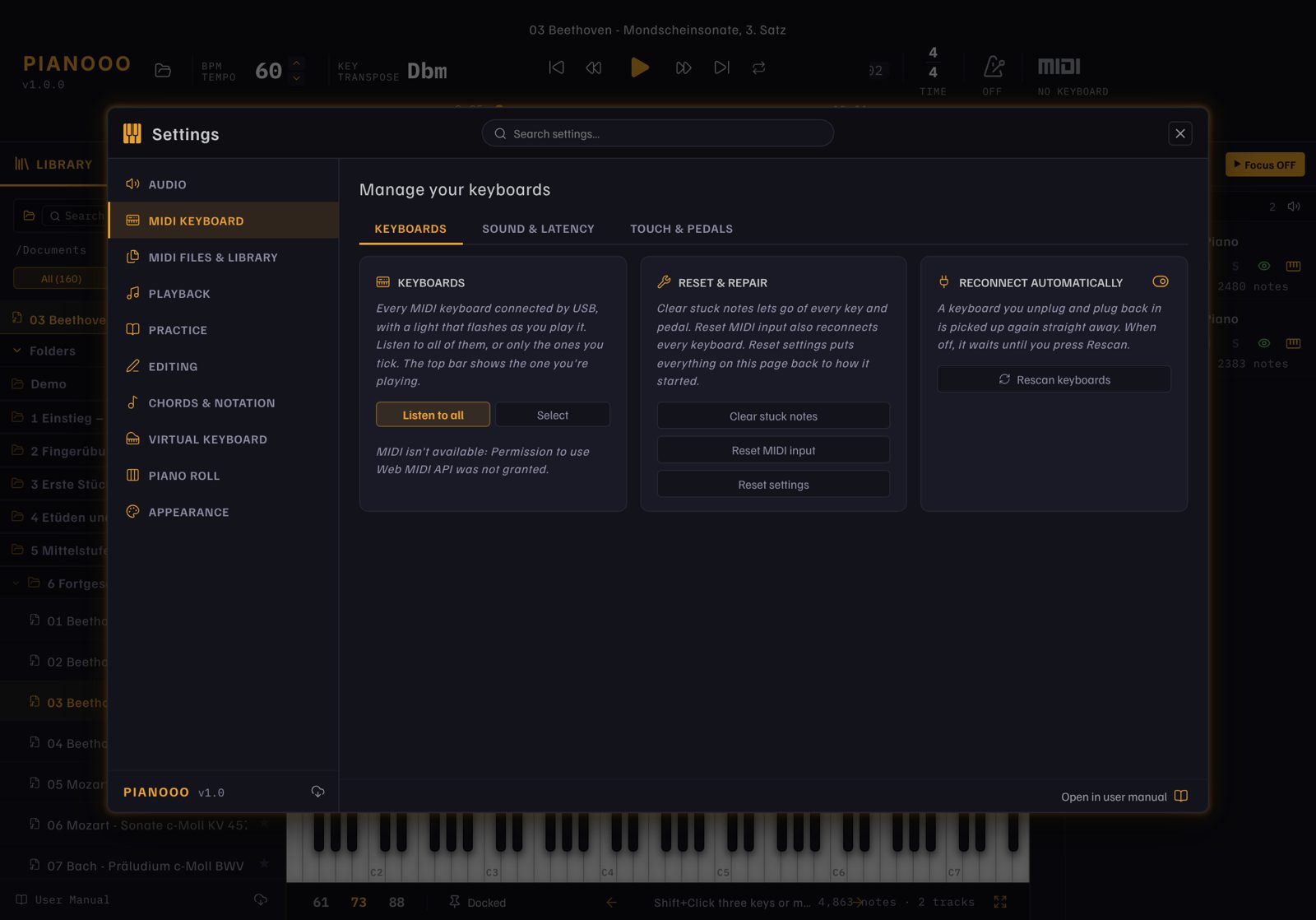
Sheet music and settings
Installation
iPad
- Install Sideloadly or AltStore on your computer.
- Download
Pianooo.ipaand drag it into Sideloadly with your iPad connected. - Sign in with your Apple ID, then on the iPad trust the profile under Settings › General › VPN & Device Management.
Step by step: SIDELOADING.md
Mac
Paste this into Terminal. It downloads the app, installs it in Applications and starts it:
cd ~/Downloads && curl -L -o Pianooo-Mac.zip https://github.com/HOAI-droid/Pianooo/releases/download/ipad-latest/Pianooo-Mac.zip && rm -rf /Applications/Pianooo.app && ditto -x -k Pianooo-Mac.zip /Applications && xattr -cr /Applications/Pianooo.app && open /Applications/Pianooo.app
Android
- On your Android tablet or phone, download
Pianooo.apk. - Tap the downloaded file. Allow your browser or Files app to install apps once, then tap Install.
- If Play Protect asks: Install anyway. Pianooo is not in the Play Store, so Google doesn’t know it.
About the project
Pianooo is built on Orfeo by SquareBow, an open-source piano learning app for Windows. Pianooo brings it to iPad, Mac and Android and adds Bluetooth MIDI, sheet music and a starter catalog.
Pianooo is an independent project, not an official Orfeo release. Many thanks to SquareBow for the original.